UI Screenshots
Screenshots are captured automatically from a live NetBox instance with the plugin installed against a Proxmox mock backend. No real infrastructure data is shown.
The capture pipeline spins up a full Docker stack (NetBox + proxbox-api + proxmox-mock), seeds it with mock data via the sync pipeline, and takes Playwright browser screenshots. Screenshots are refreshed on every new release and can be triggered manually.
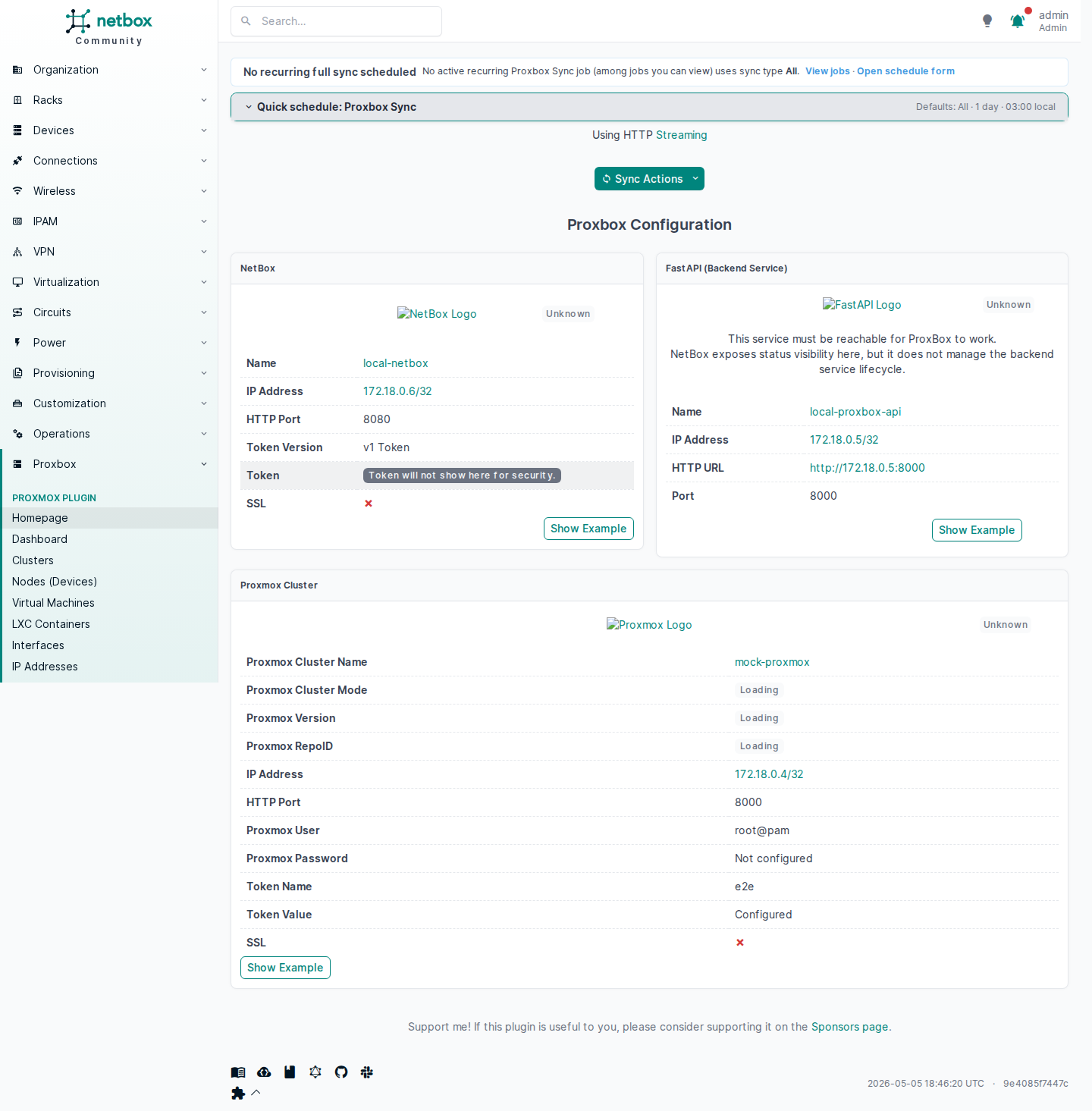
Plugin Home
The plugin home page shows endpoint status cards, quick-sync actions, and navigation to all Proxmox resources managed by the plugin.
Dashboard
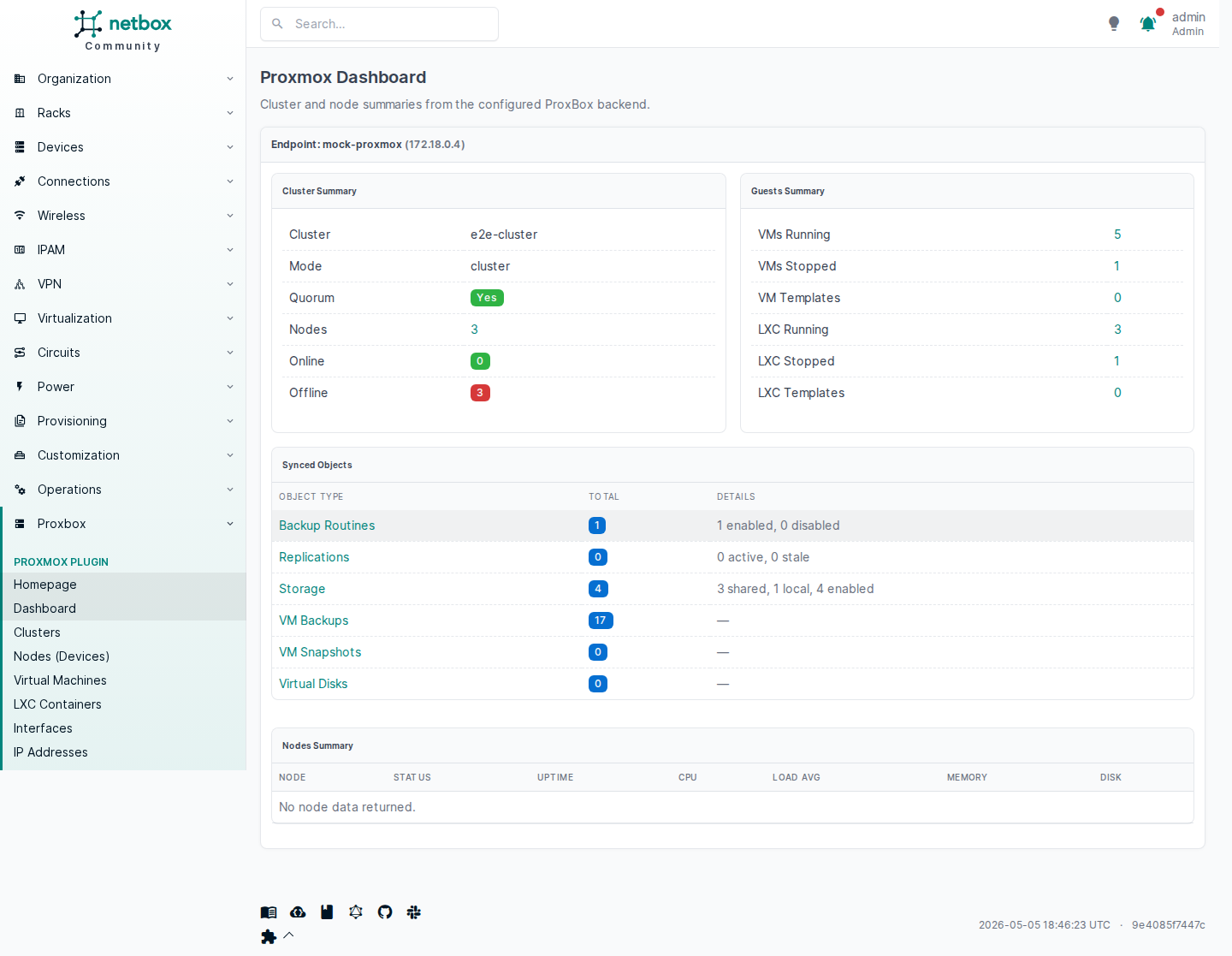
The operational dashboard displays cluster and node summaries sourced live from the proxbox-api backend.
Endpoints
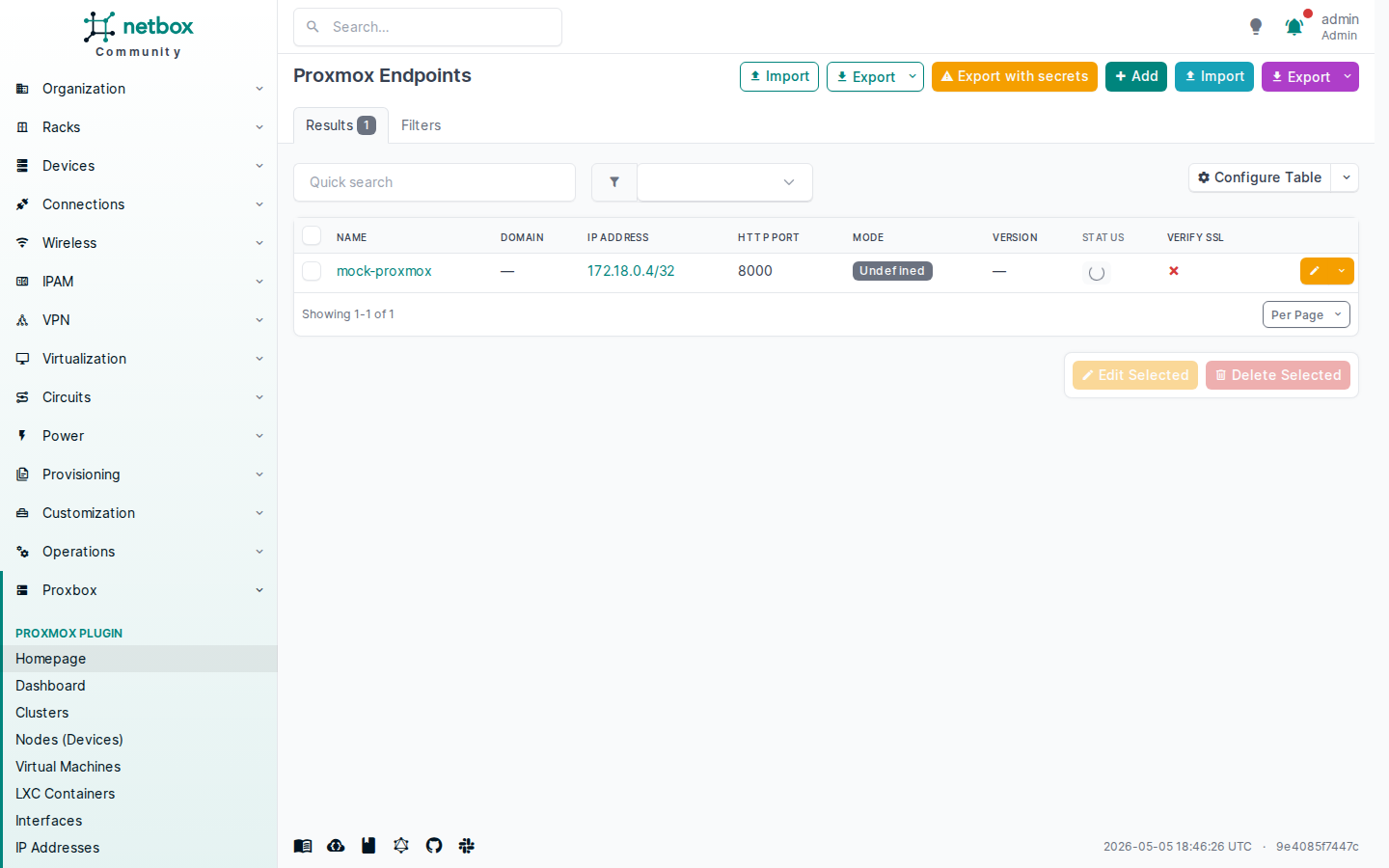
List of configured Proxmox API endpoints the plugin connects to.
The companion proxbox-api backend endpoint configuration.
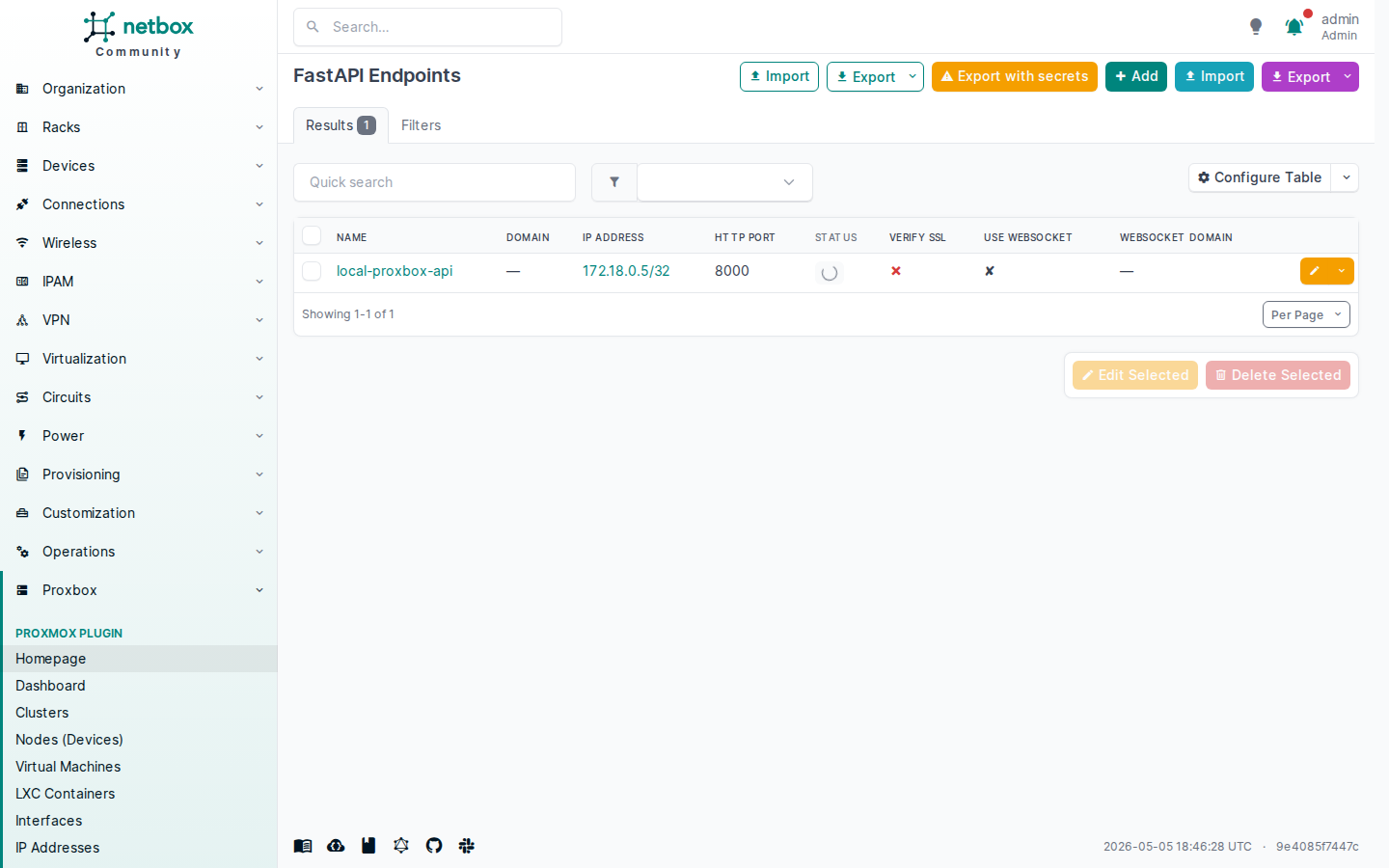
The NetBox self-referential endpoint used by proxbox-api to write back.
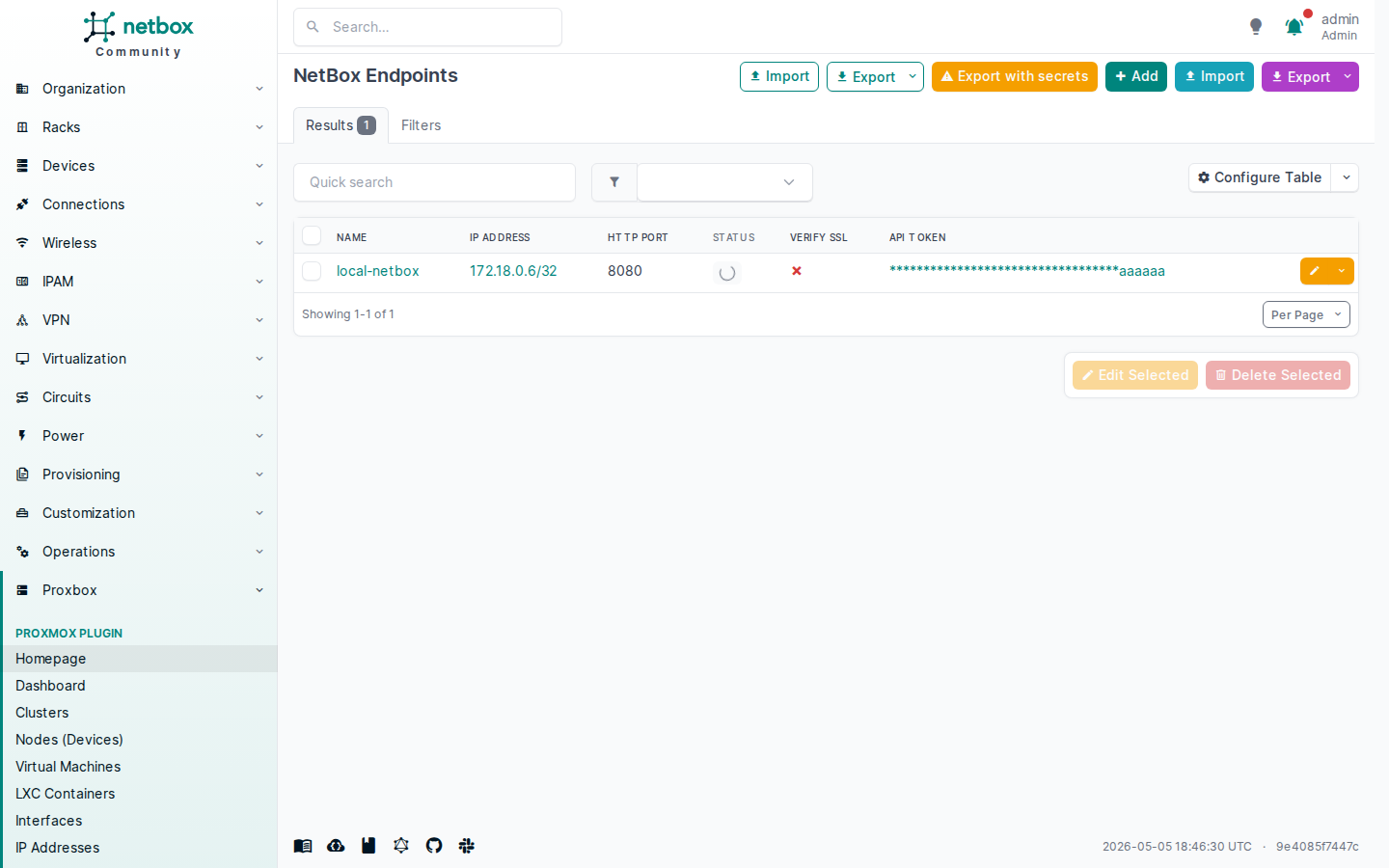
Infrastructure
Proxmox clusters discovered and synchronized into NetBox.
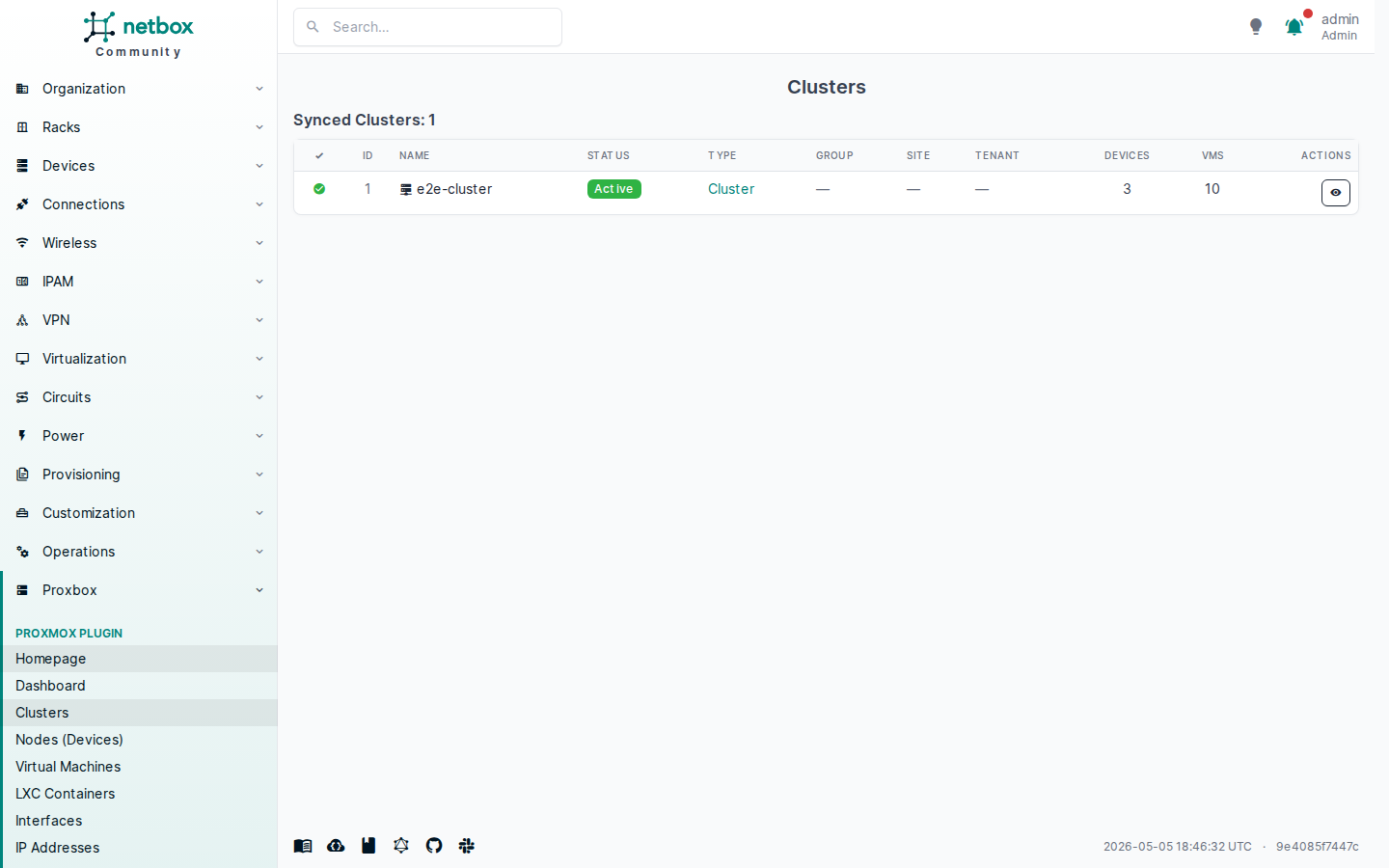
Proxmox nodes (devices) associated with each cluster.
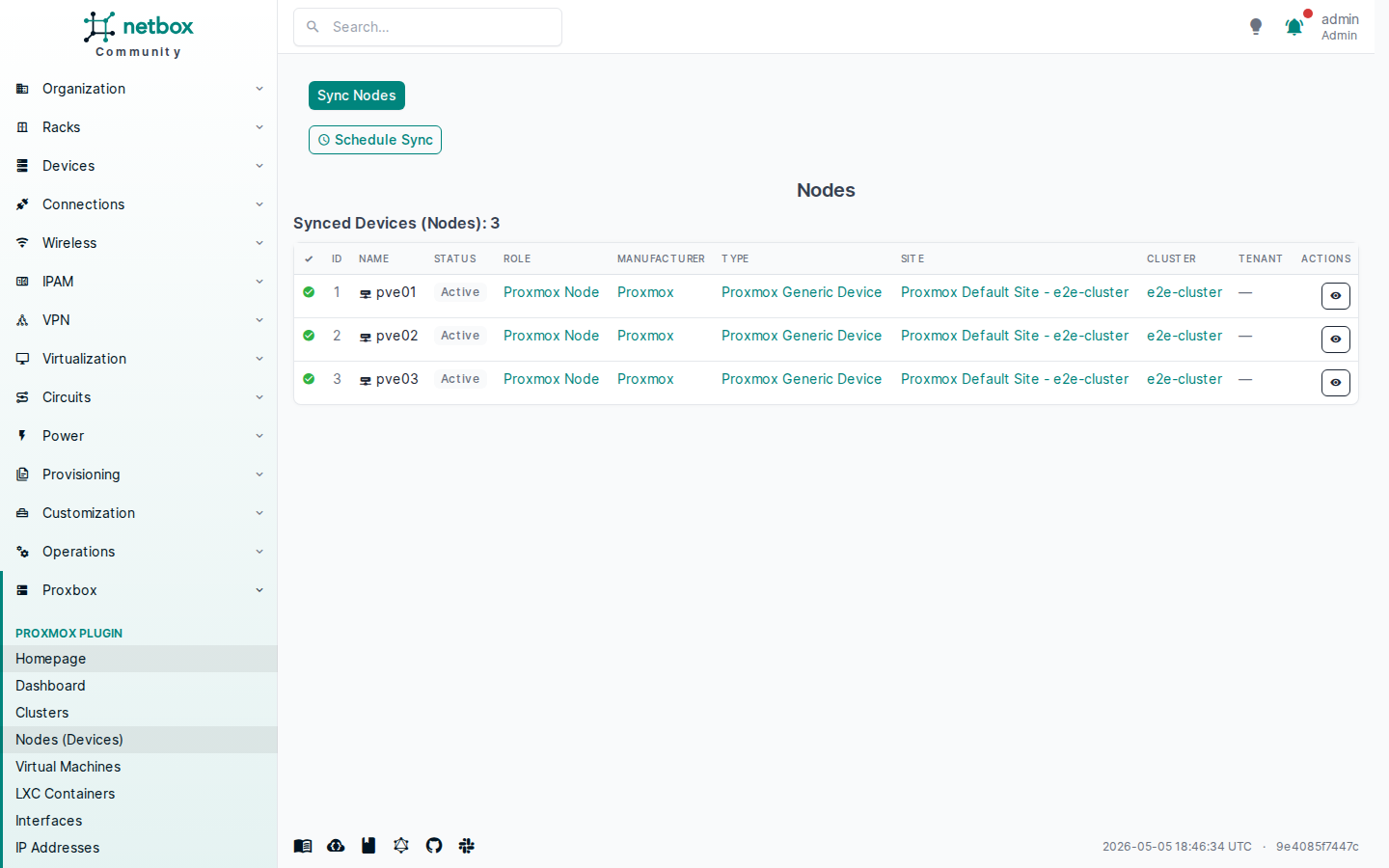
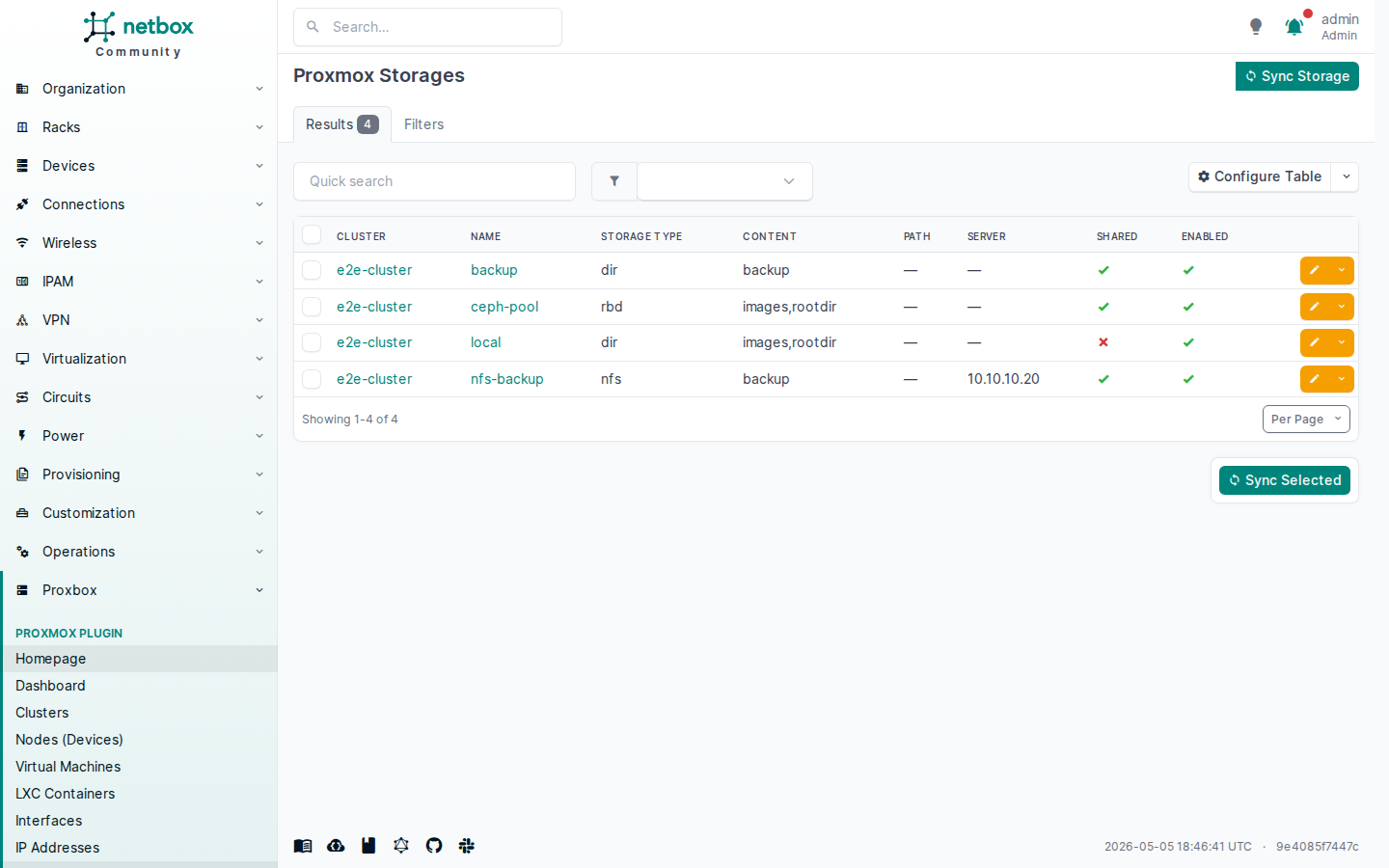
Proxmox storage pools tracked per cluster.
Virtual Machines & Containers
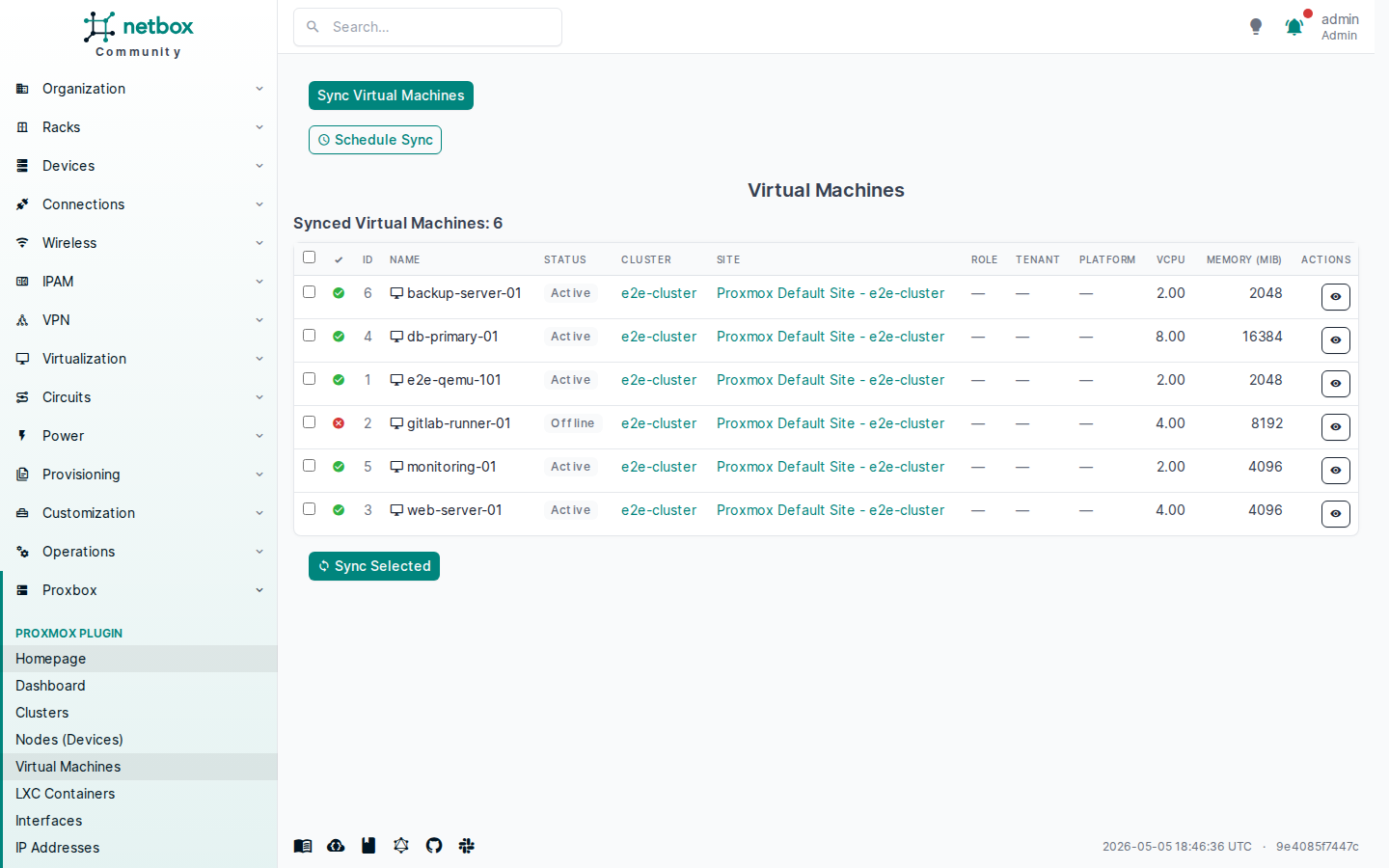
All Proxmox VMs synchronized into NetBox virtualization.
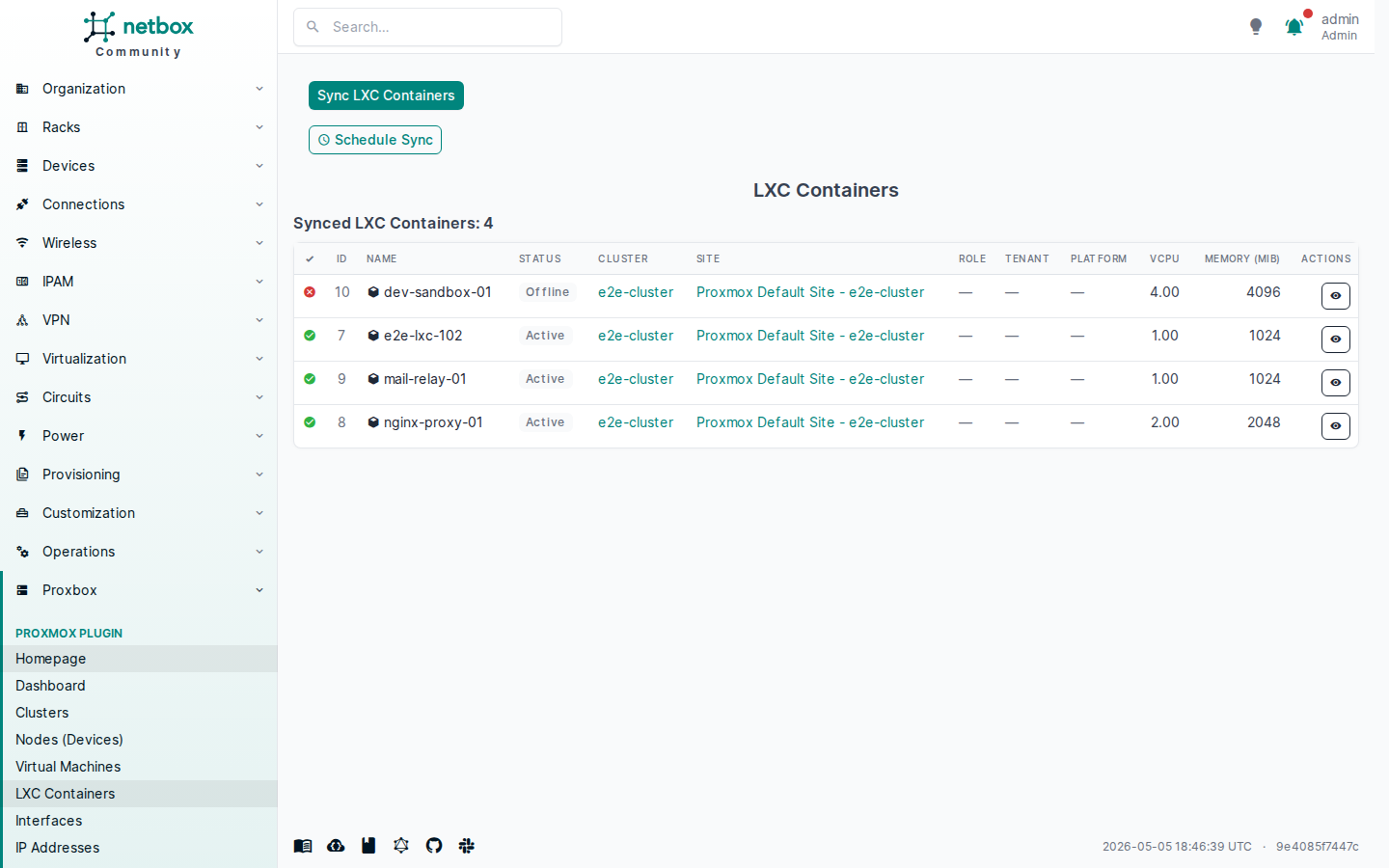
Linux containers managed by Proxmox and tracked in NetBox.
Backup & Recovery
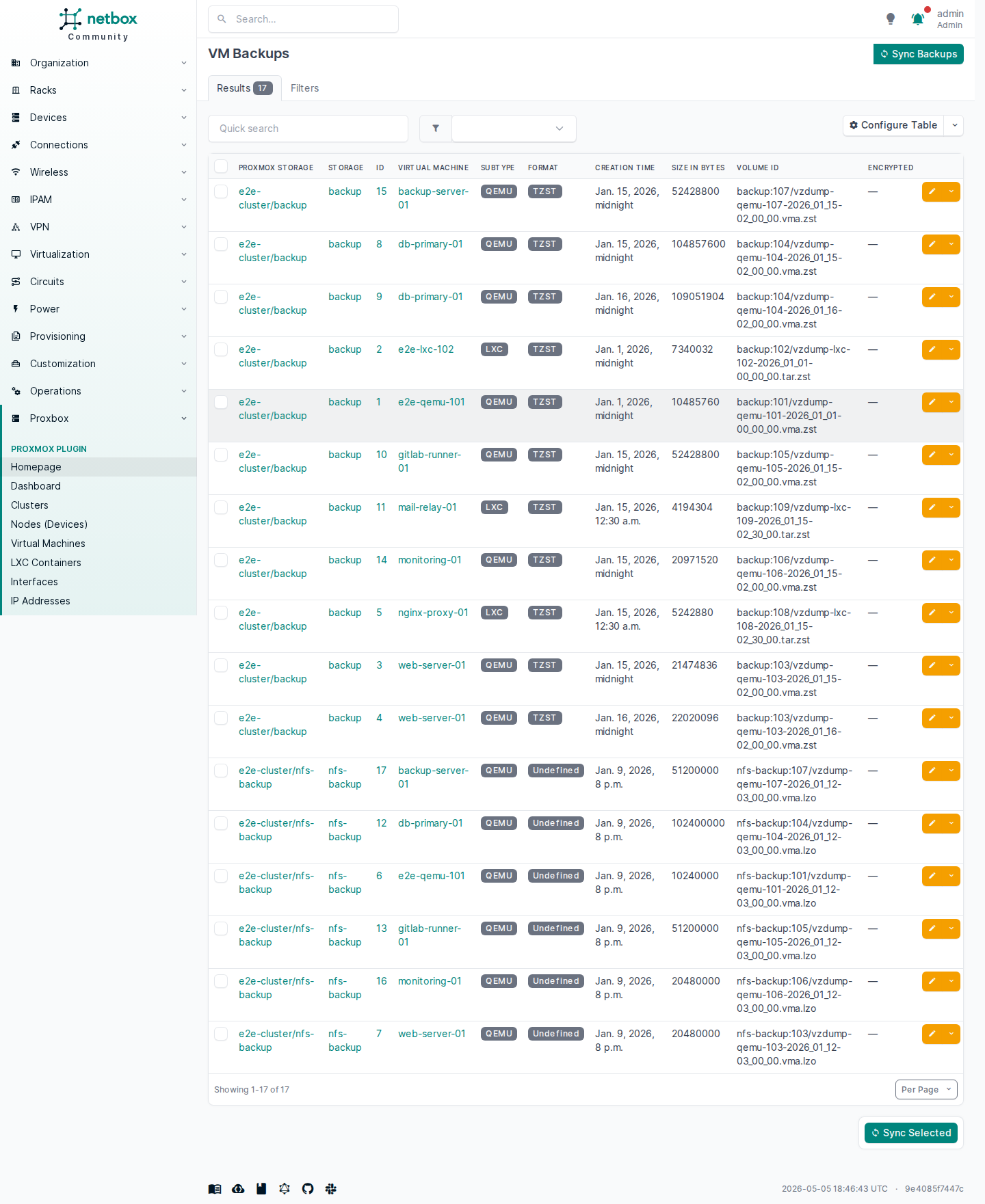
VM backup jobs discovered from Proxmox storage.
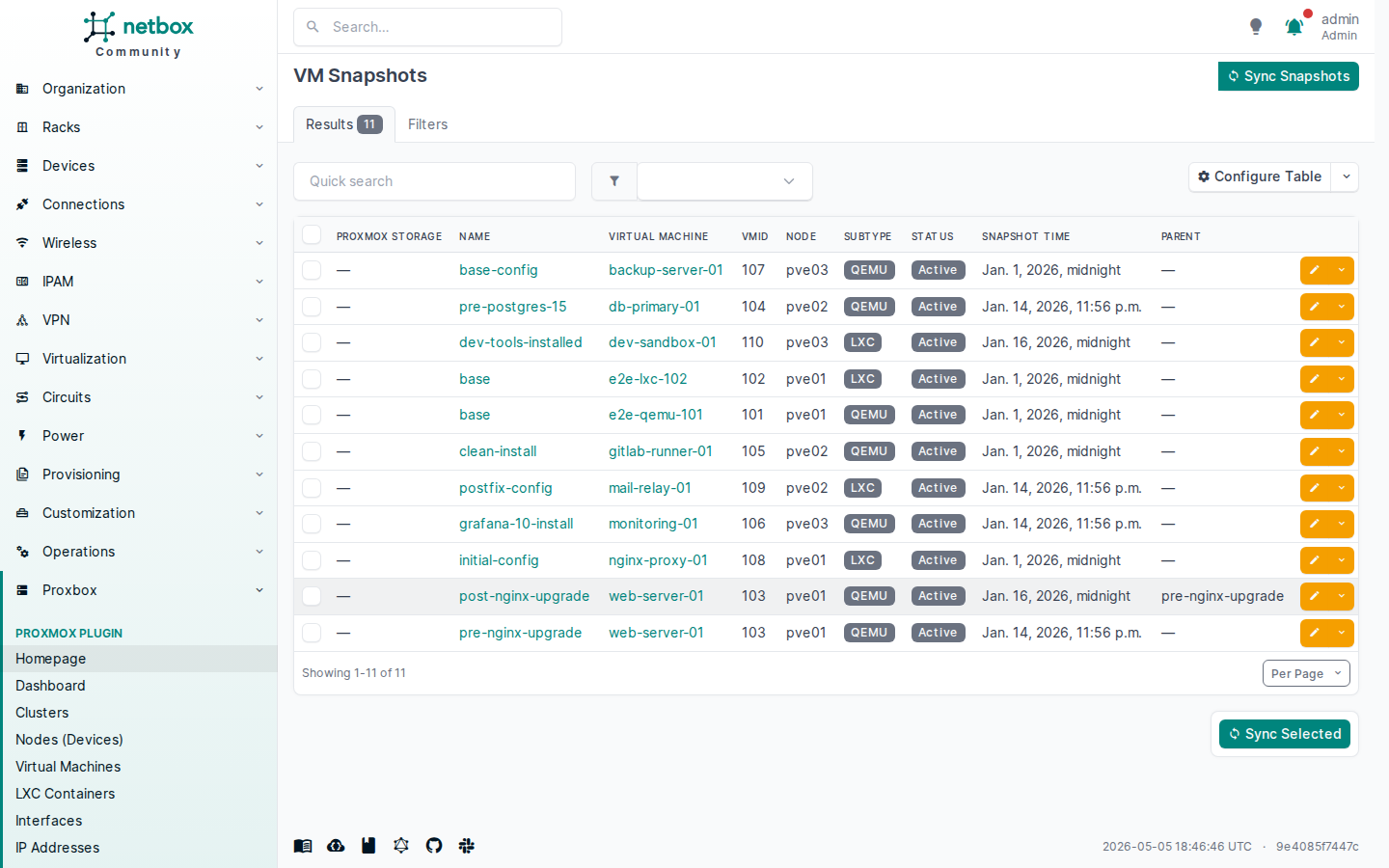
VM and container snapshots tracked per virtual machine.